


Step 1:
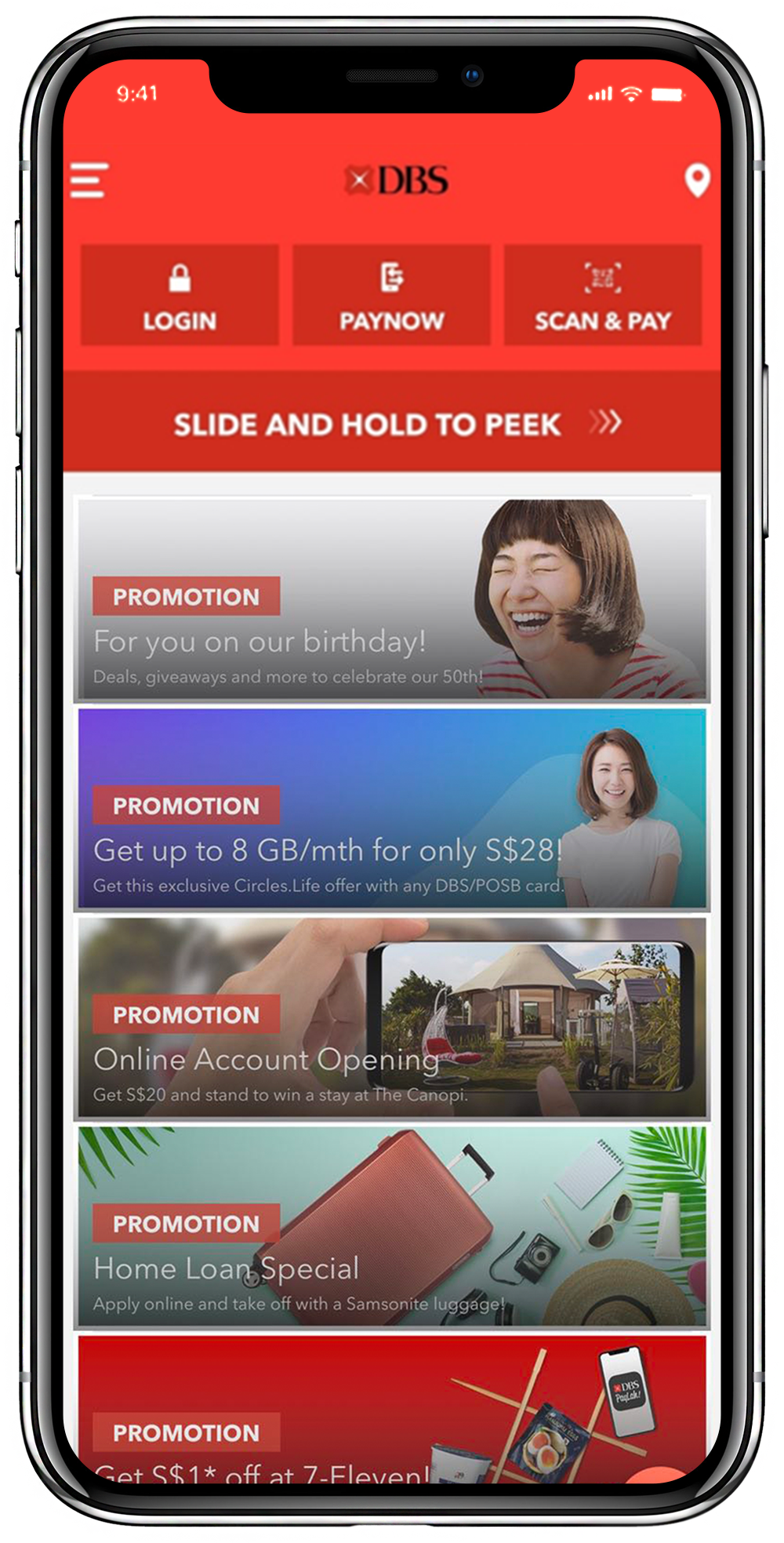
Launch your bank mobile app, select PayNow and log in.
Step 2:
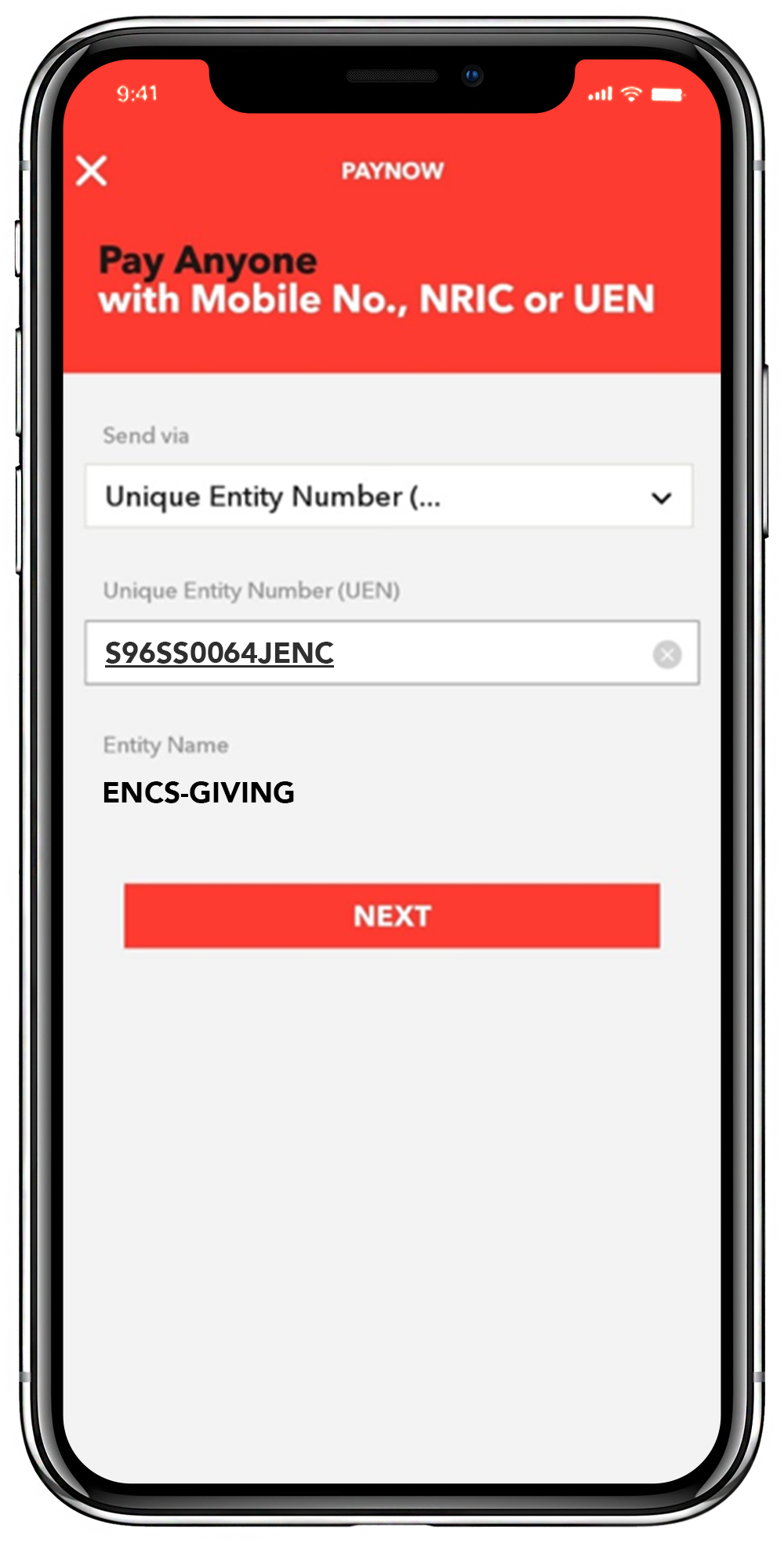
Select Unique Entity Number (UEN) and enter S96SS0064JENC
You will see ENCS-GIVING
appear as the Entity Name.
Select Next.
Step 3:
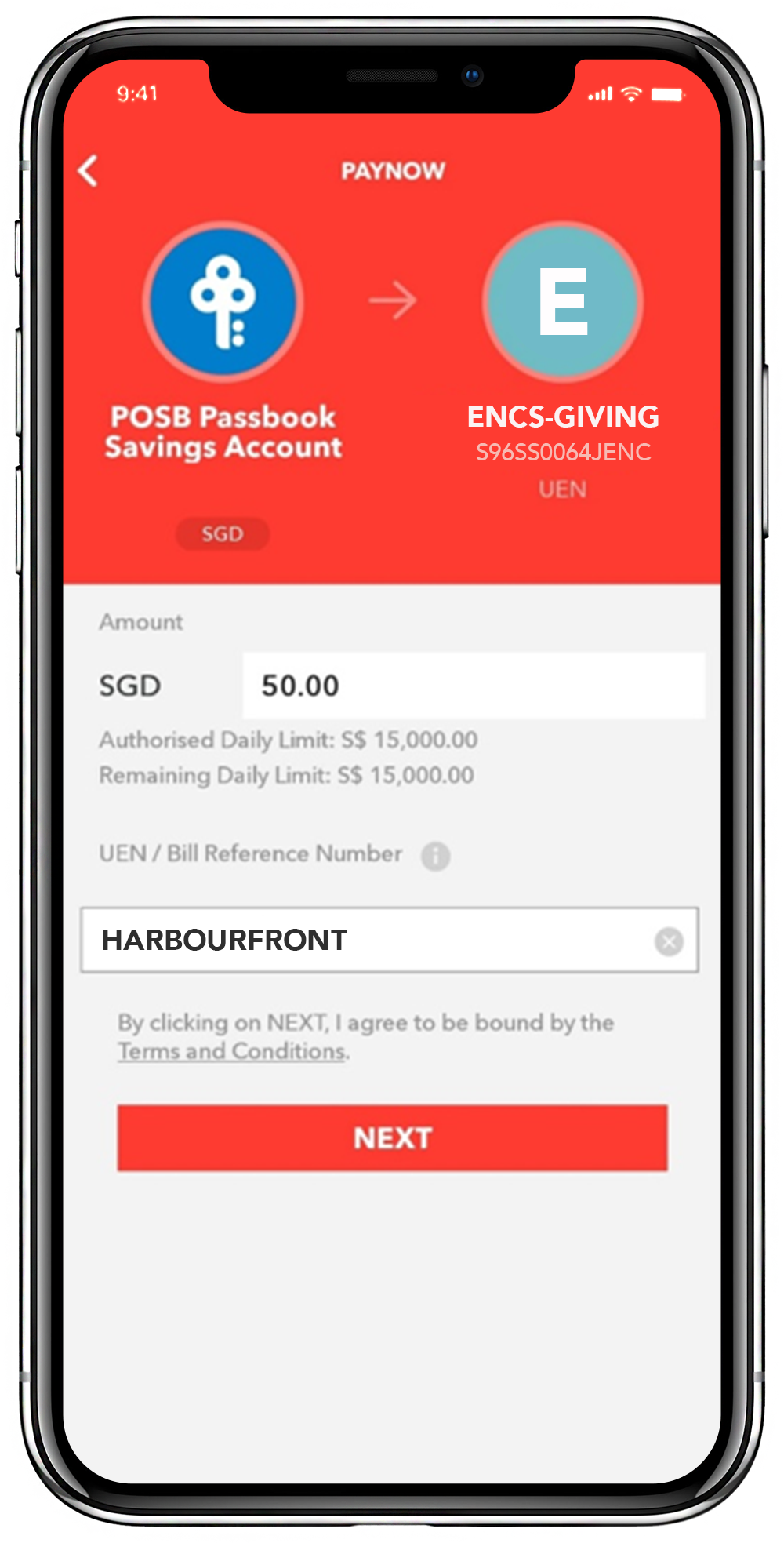
Enter the amount you want to give.
(Optional)
In the reference number field:
Enter the worship service location or type of giving.
Select Next.
Worship service locations:
Harbourfront / HBF
Kallang AM / KAM
Kallang PM / KPM
ENCampus / ENC
Step 4:
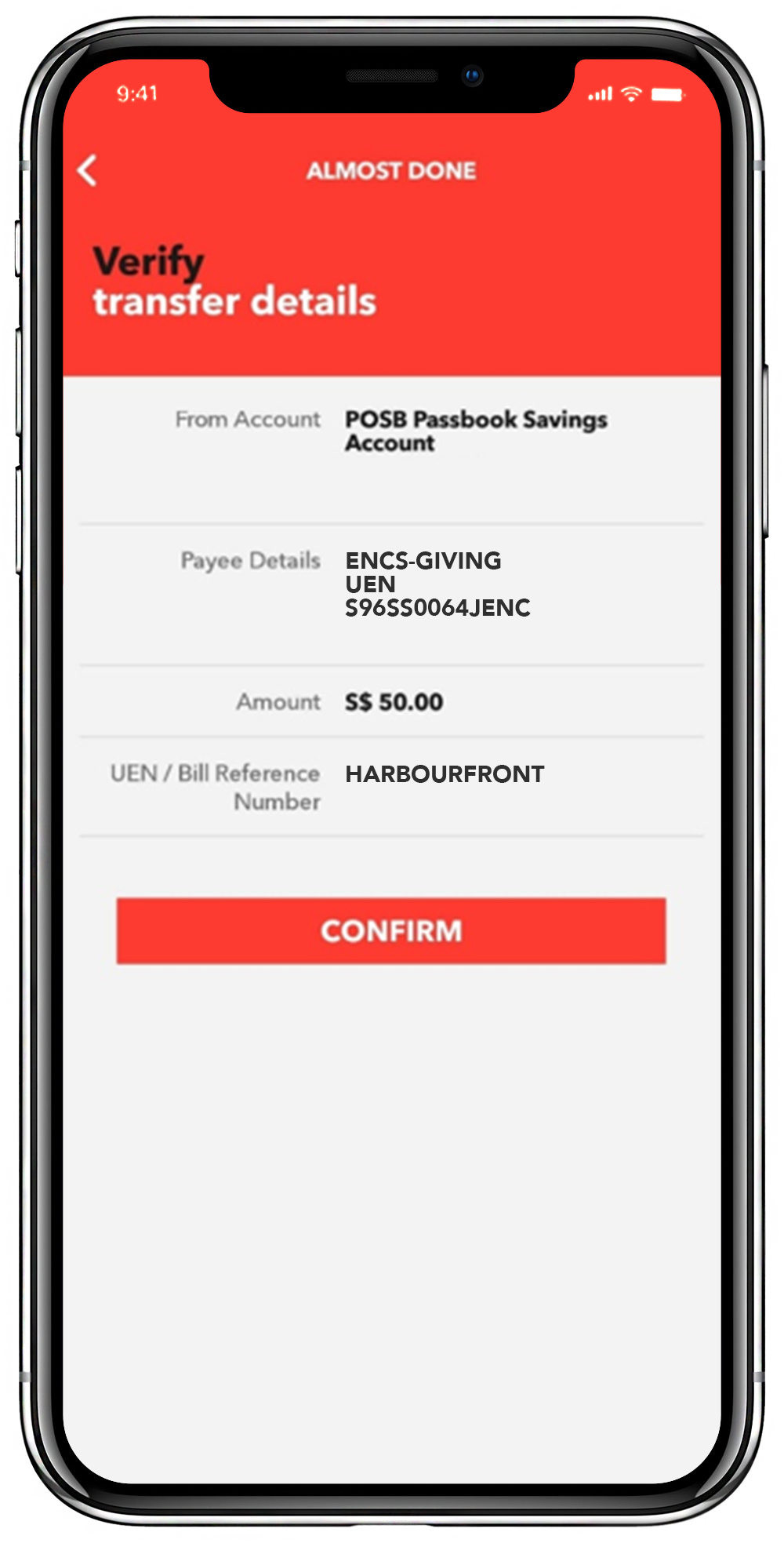
Review your transaction and select Confirm.
Step 1:
Launch your bank mobile app and click on the scan icon.

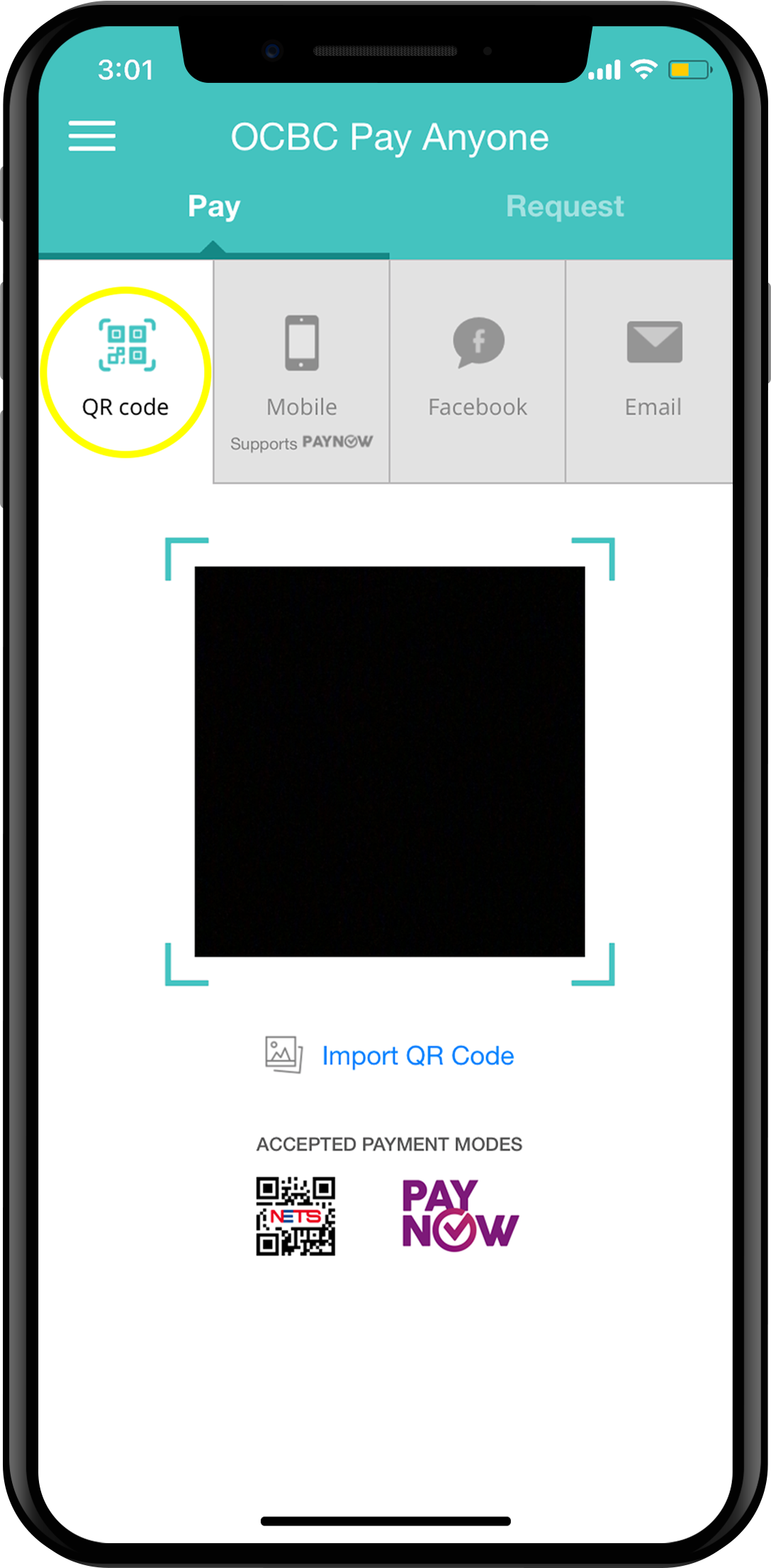
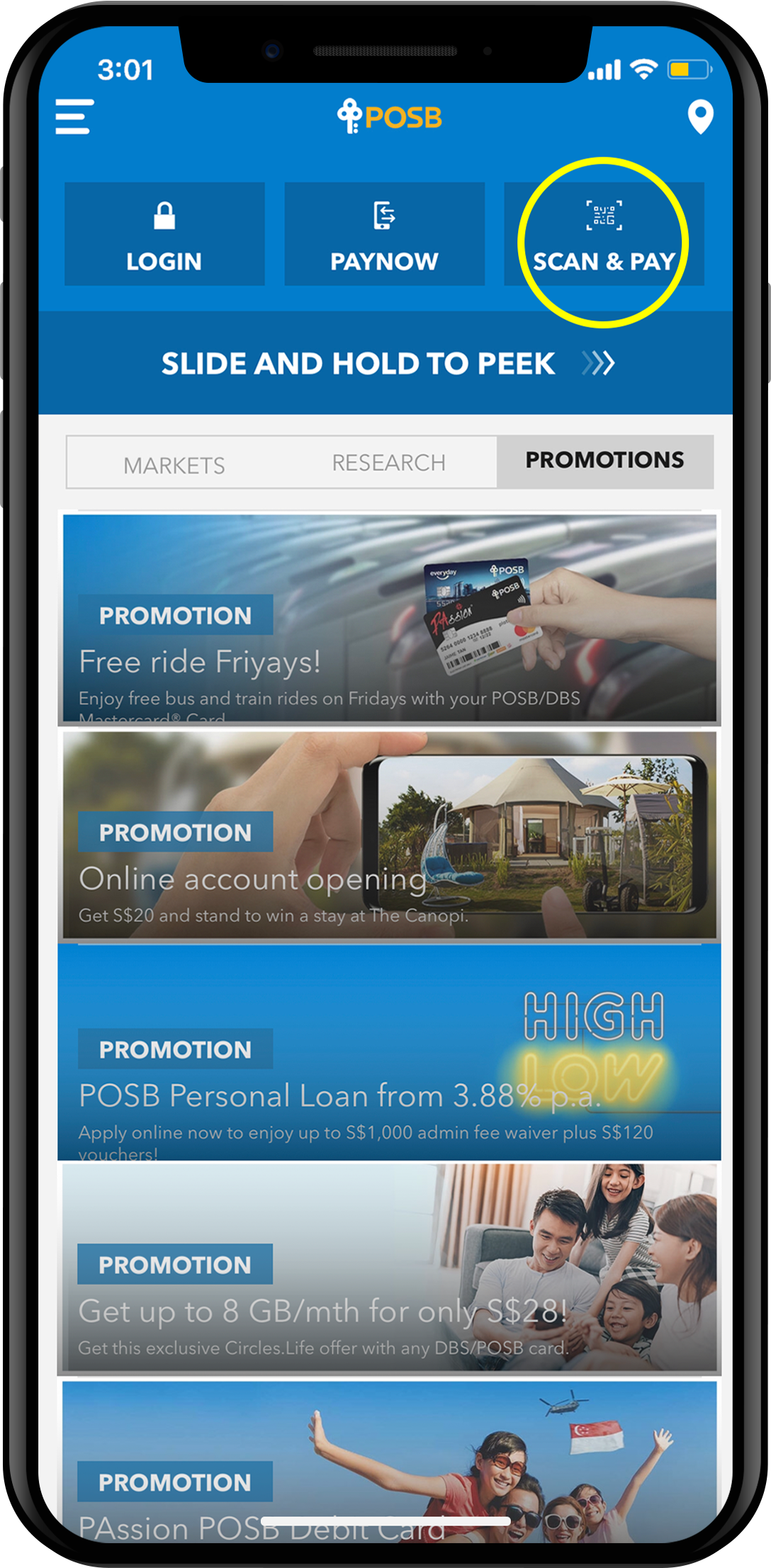
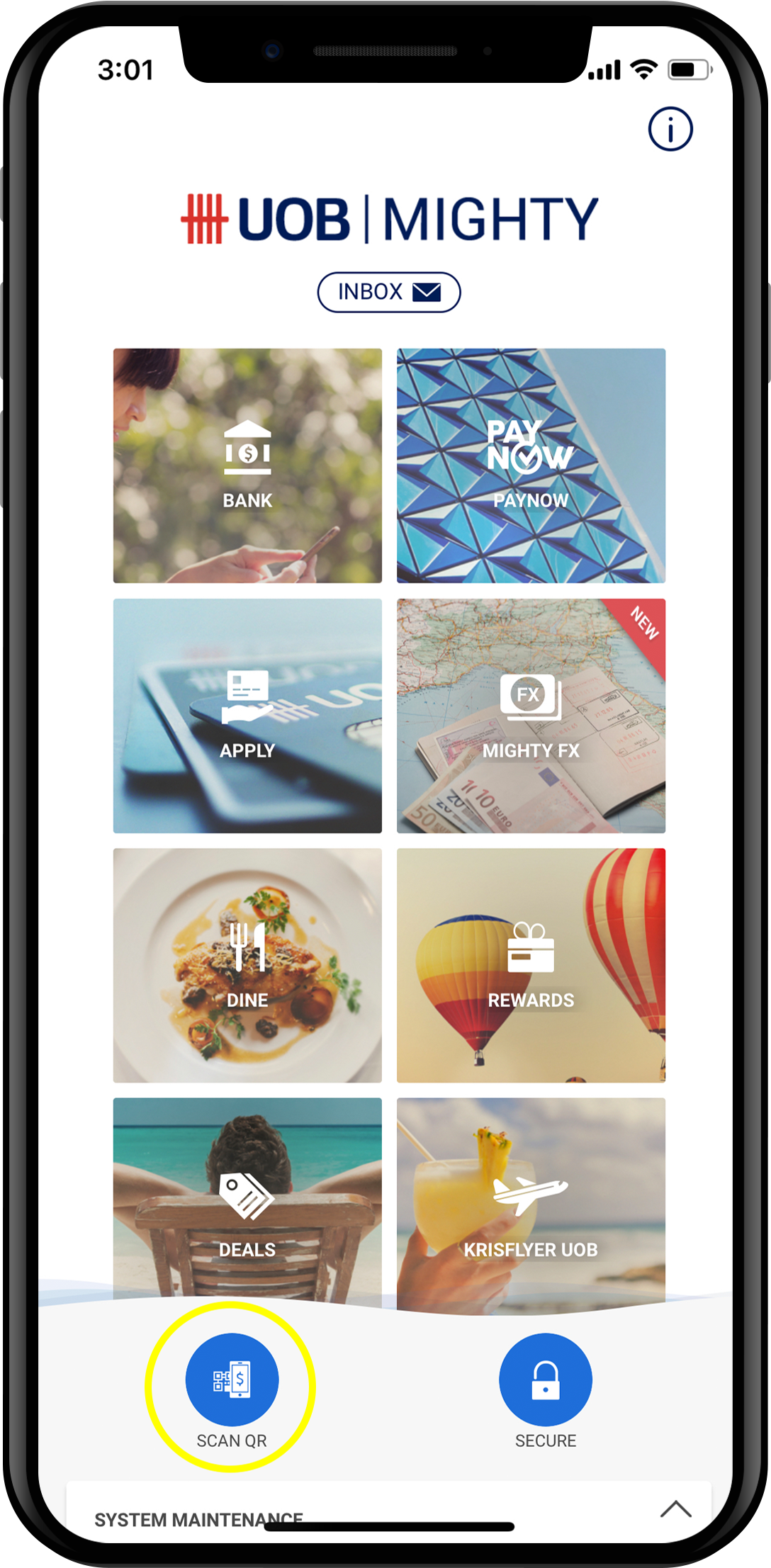
Step 2:
Scan this QR code.
Alternatively, save or screenshot the QR code and upload it to your bank's mobile app.
Step 3:
Enter the amount you want to give.
(Optional)
In the reference number field:
Enter the worship service location or type of giving.
Select Next.
Worship service locations:
Harbourfront / HBF
Kallang AM / KAM
Kallang PM / KPM
ENCampus / ENC
Step 4:
Review your transaction and select Confirm.